Browse / Applications: Communication
CoGS Web
| Year | 2026 |
|---|---|
| Publisher | a2cogs |
| Developers | Rob Perissi |
| RAM Requirement | 1.25 meg RAM |
| Other Requirements | A CoGS card with firmware 1.50 or later, joined to Wi-Fi or Ethernet. ROM 01 or ROM 3. The IIe program needs a 128K Apple IIe with an 80-column card. An AppleSqueezer GS Turbo adds three HDMI screens and isn't needed. |
| System 6 Compatible | Yes |
| Hard Drive Installable | Yes (one file, copy it anywhere) |
| Release Status | Free download. CoGS Web is copyright 2026 Rob Perissi. |
About
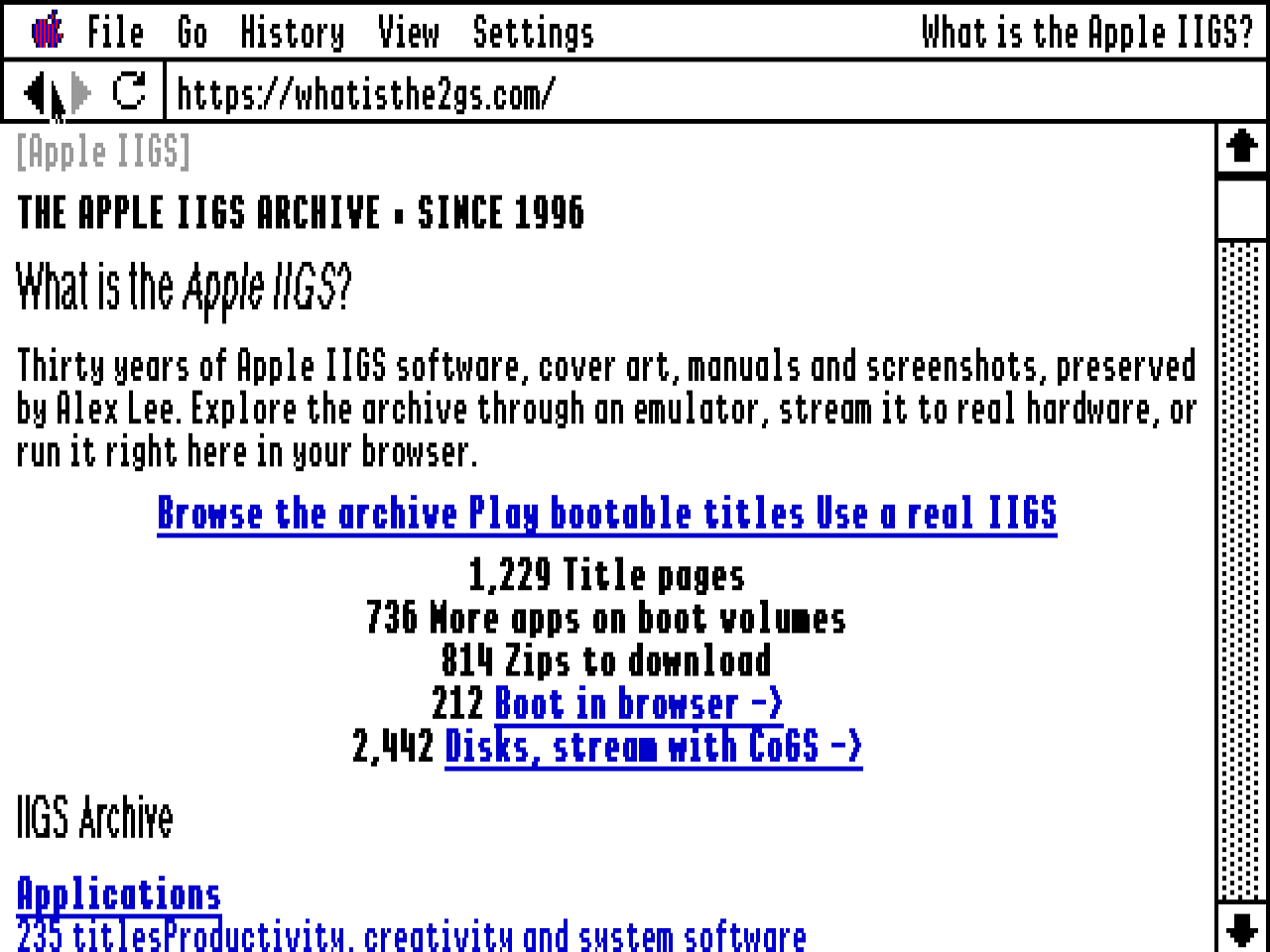
CoGS Web is a web browser for the Apple IIGS, with a second program for the Apple IIe. It needs a CoGS card. The card makes the HTTPS connection, reads the page's HTML and style sheets, lays the page out and draws it for the Apple's screen. The Apple shows what the card drew and sends back keys and clicks. No other computer takes part, and nothing is installed in the system.
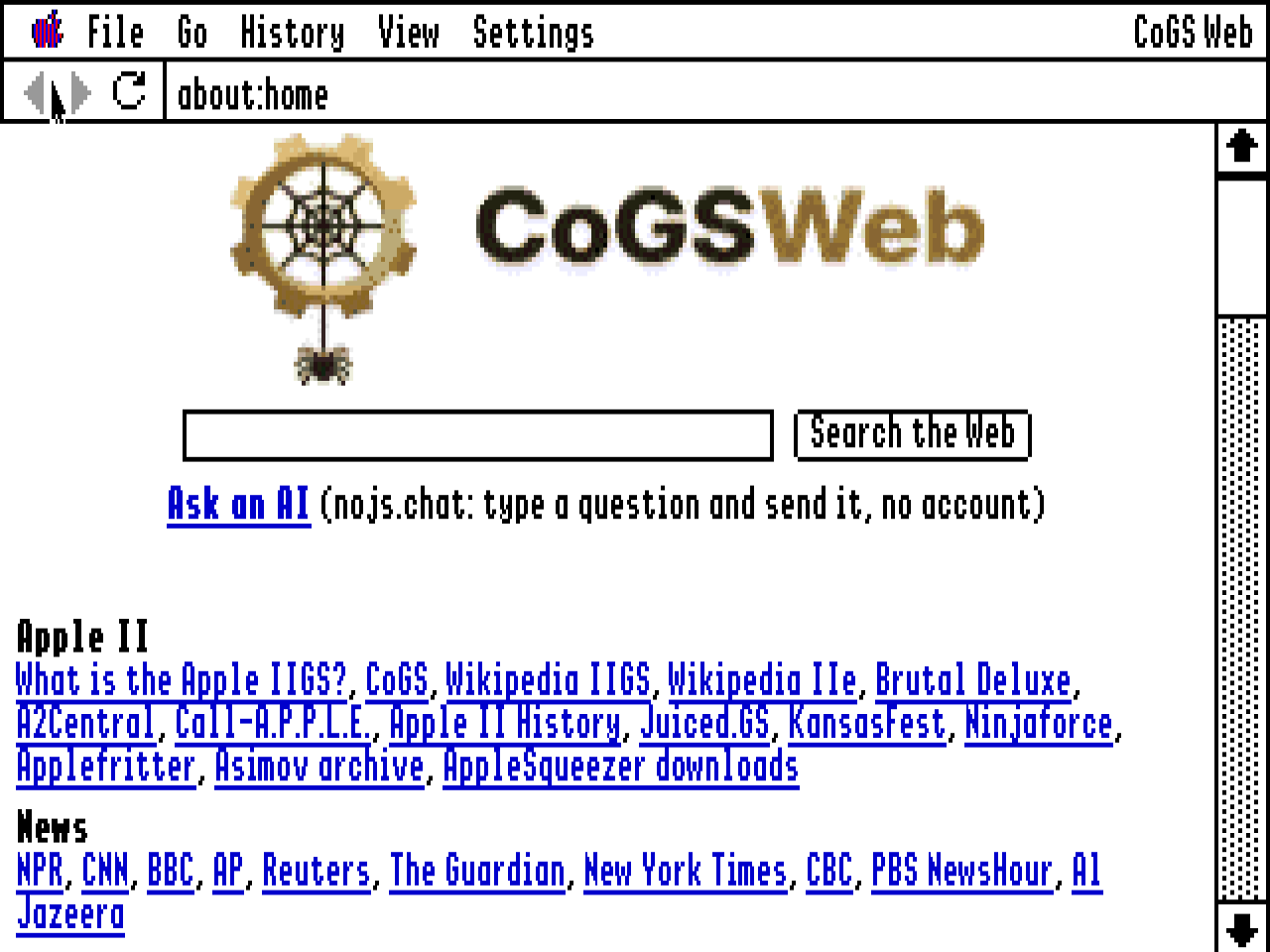
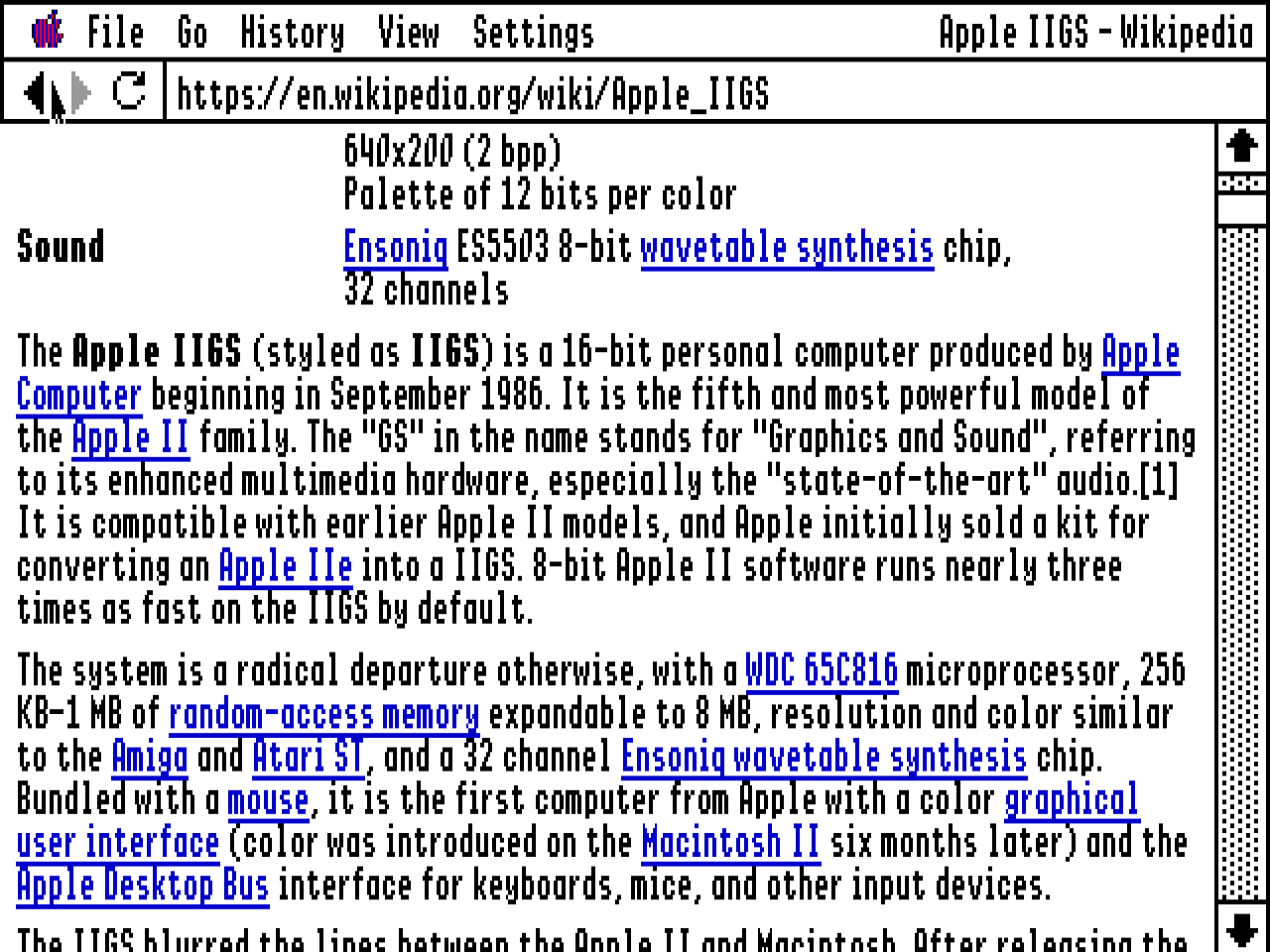
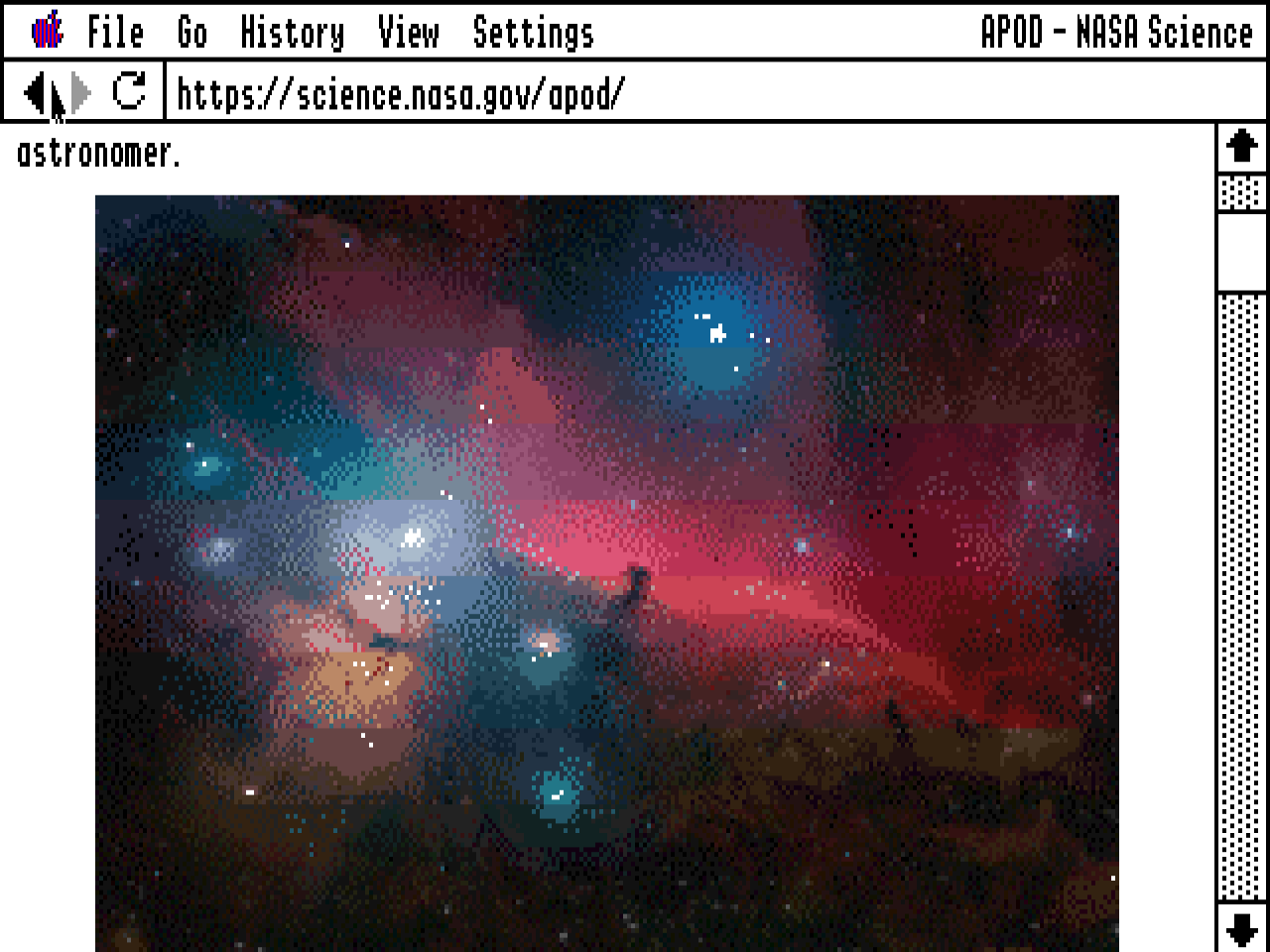
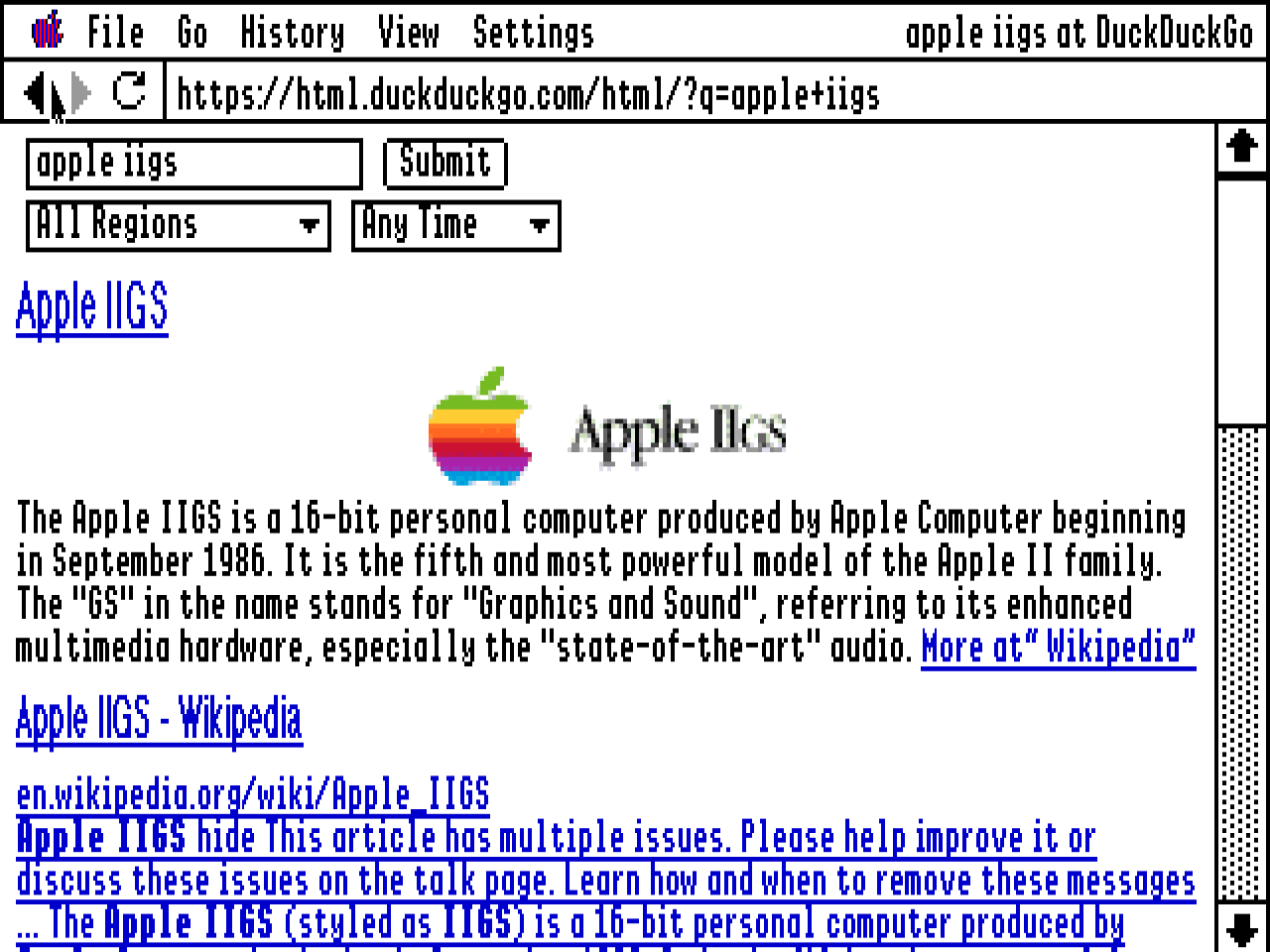
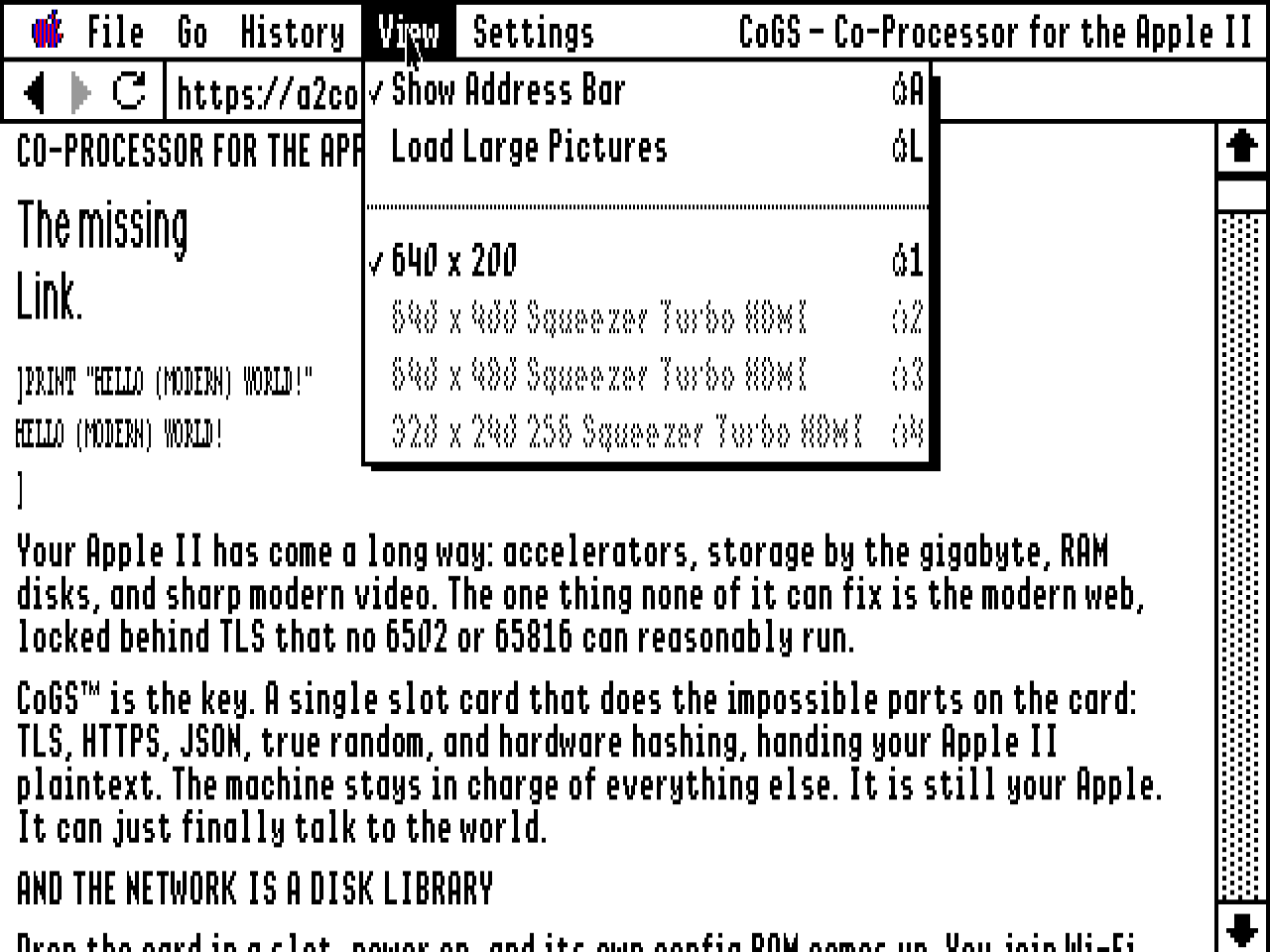
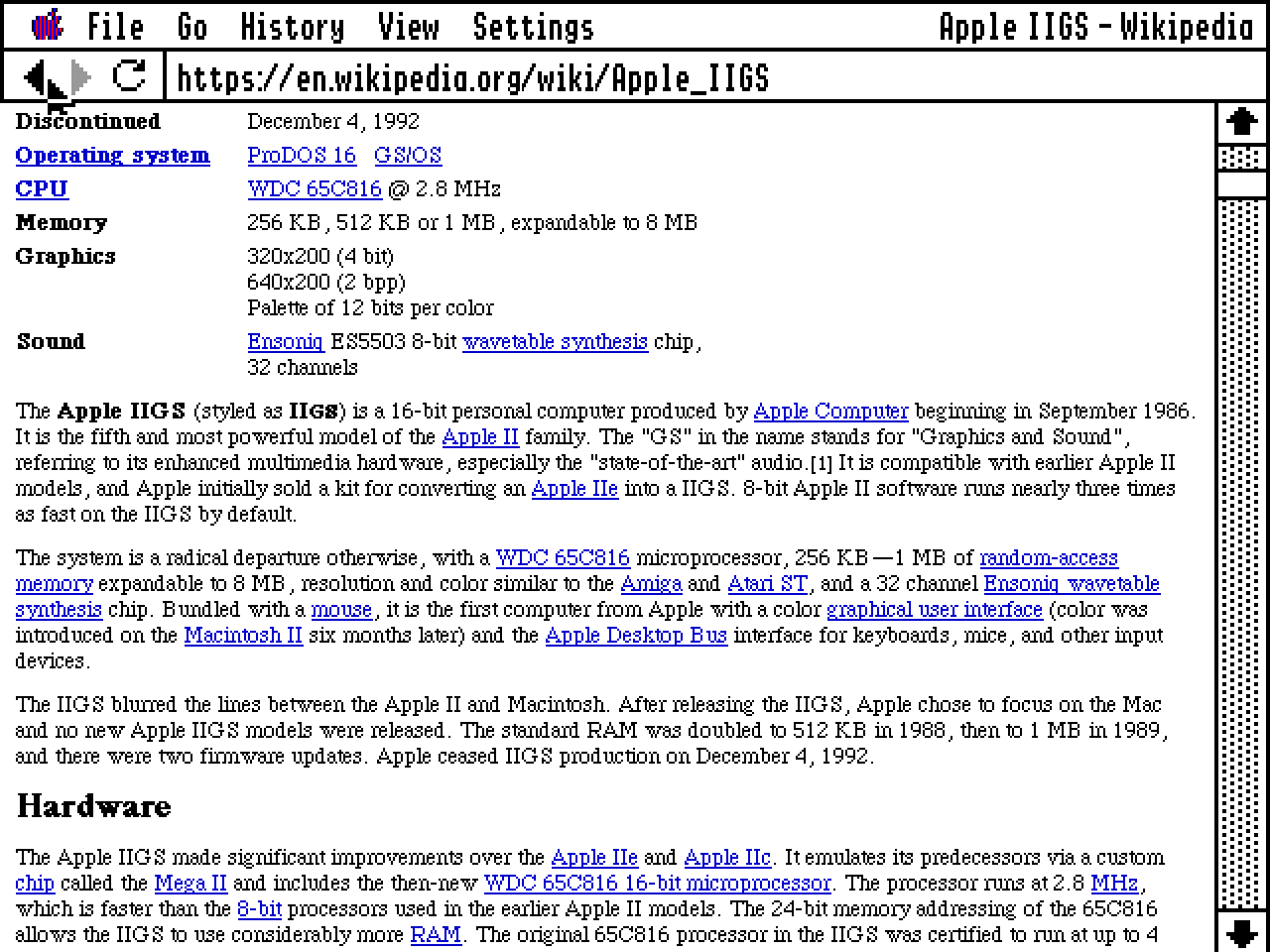
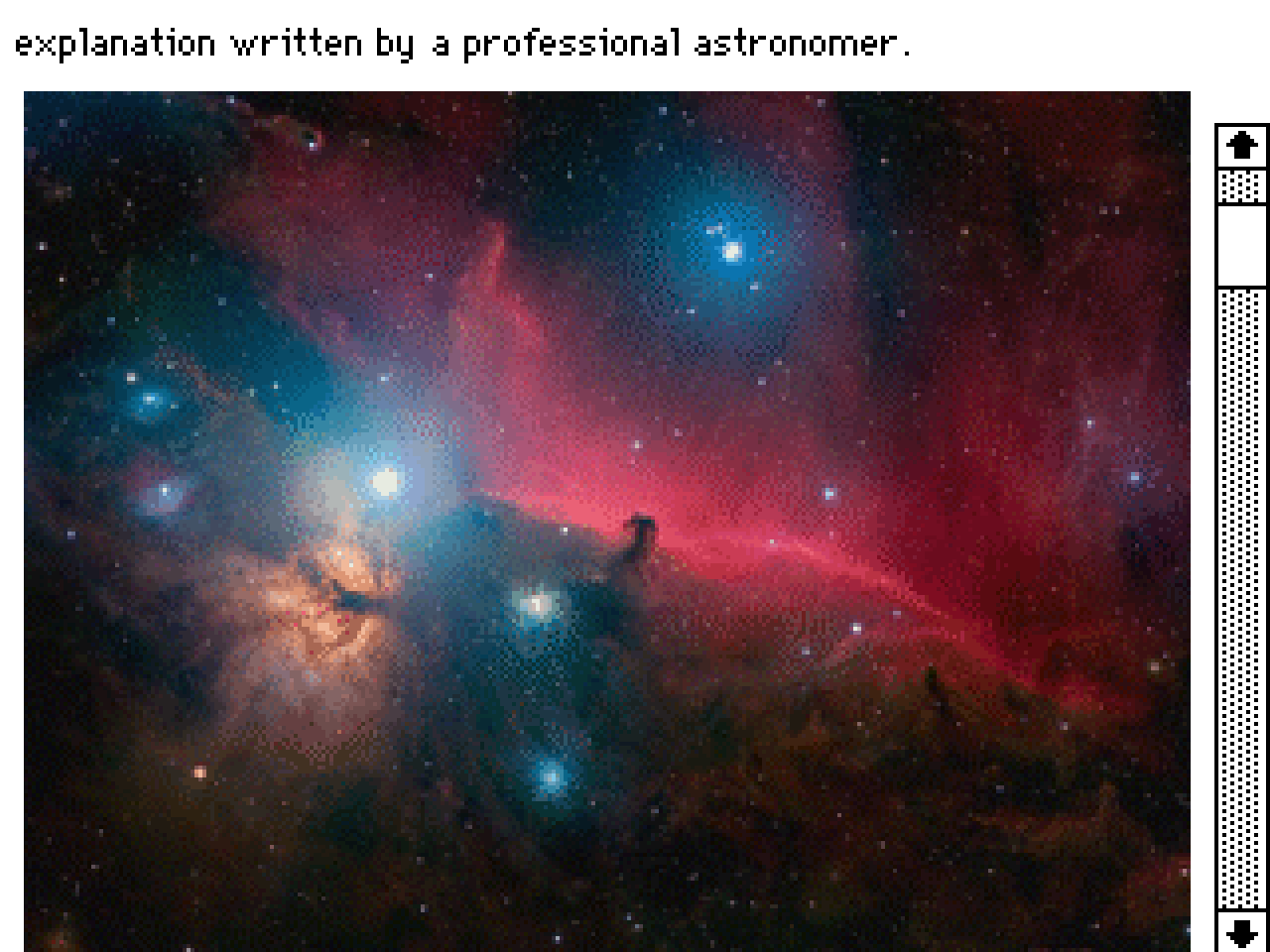
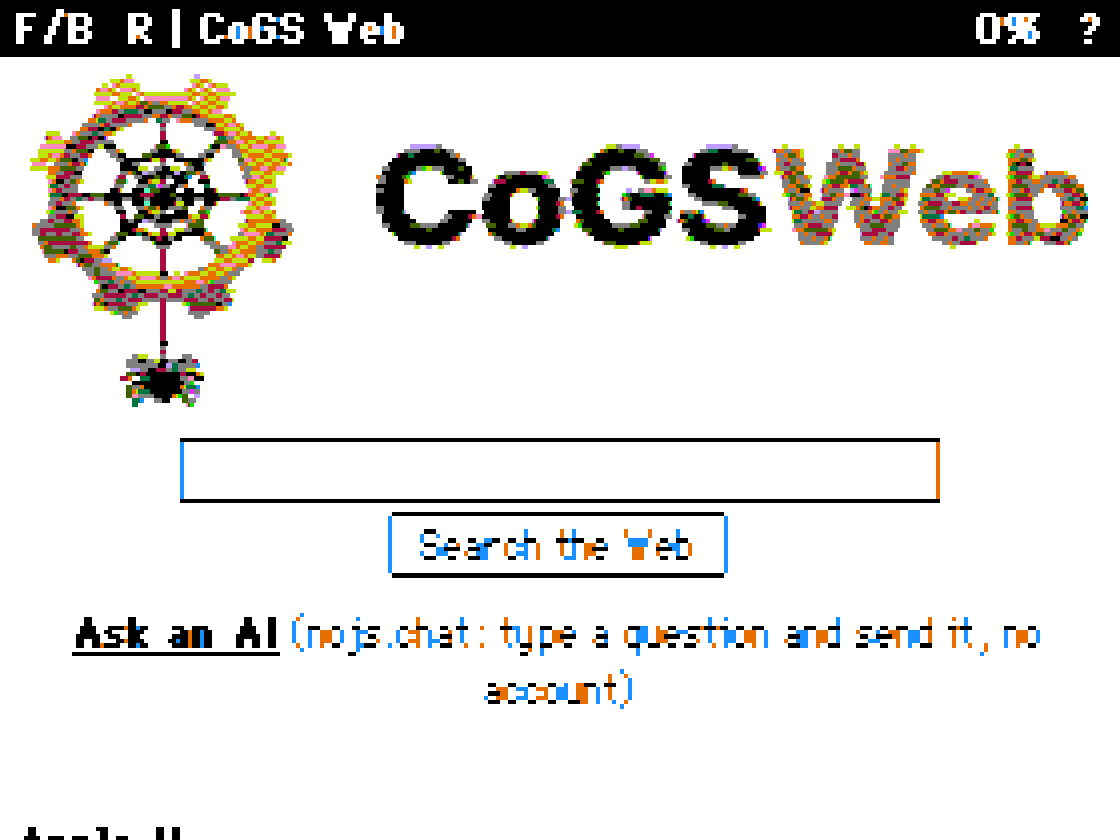
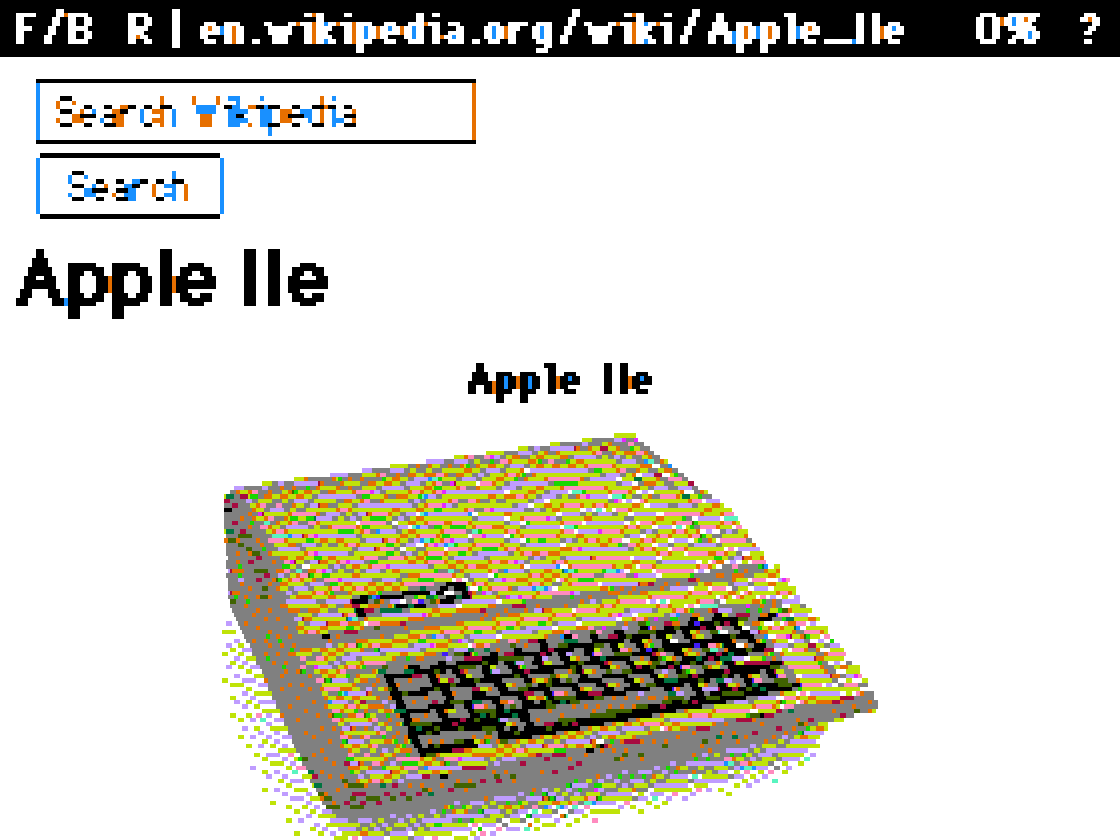
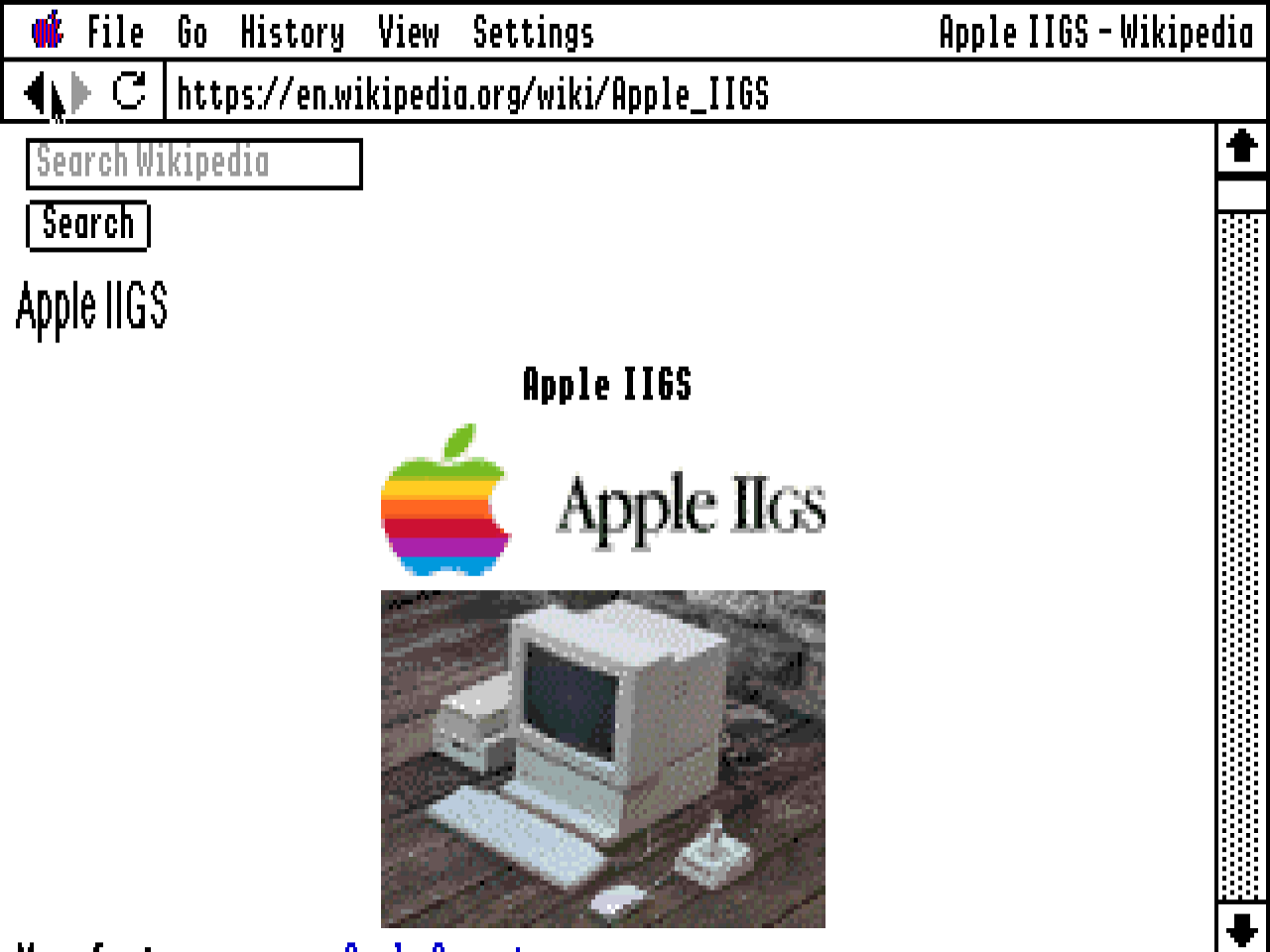
On a IIGS the program is CoGS.Web, a GS/OS program with a menu bar, an address bar with back, forward and reload, a scroll bar, History, and Dark Mode. Links take a click or Tab and Return. Forms work, so a search box on the home page goes to DuckDuckGo and Wikipedia's own search answers. Pictures are JPEG, PNG and GIF, dithered to the Super Hi-Res screen. Text is set in the IIGS's own fonts. JavaScript does not run, so sites built on it show little, and the home page lists sites that read well.
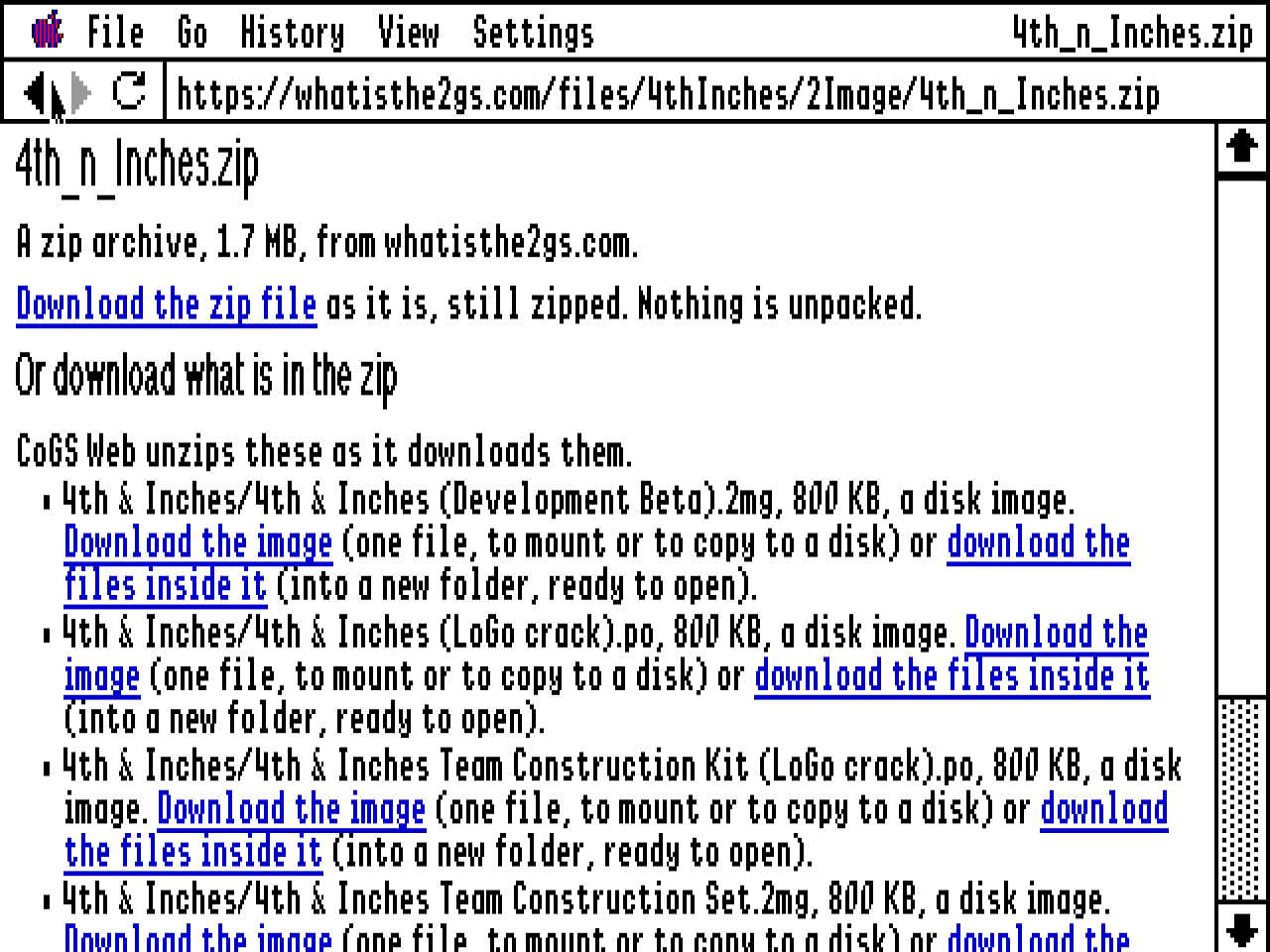
It downloads too. A link to a zip, a disk image or a ShrinkIt archive opens a page about the file, and the links there save it to any disk GS/OS has mounted. A zip's files can be saved unzipped. The files on a ProDOS disk image can be saved into a folder with their types and resource forks, so software on this site can go from its page to a IIGS disk.
With an AppleSqueezer GS Turbo (core 27 or later) the View menu adds three screens over HDMI. They are 640 x 400, 640 x 480, and 320 x 240 in 256 colors, where a photograph gets colors of its own. On any other machine those items are gray and the browser uses the standard 640 x 200 screen.
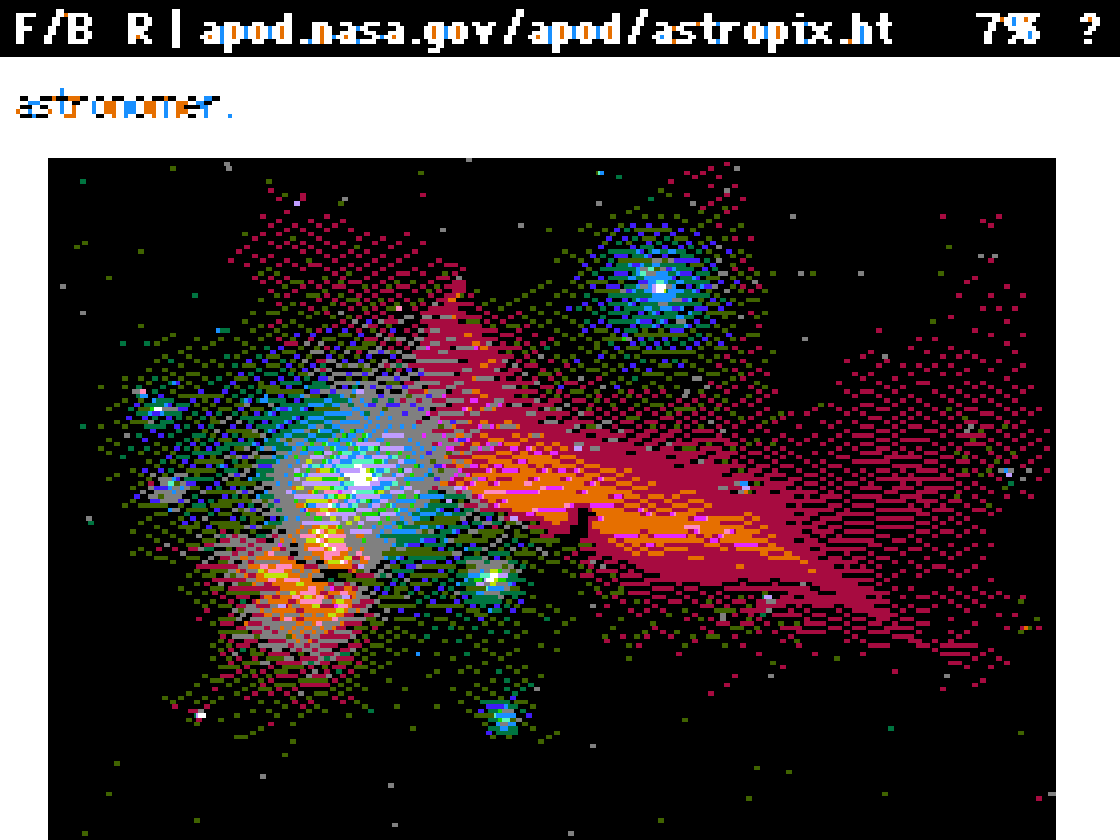
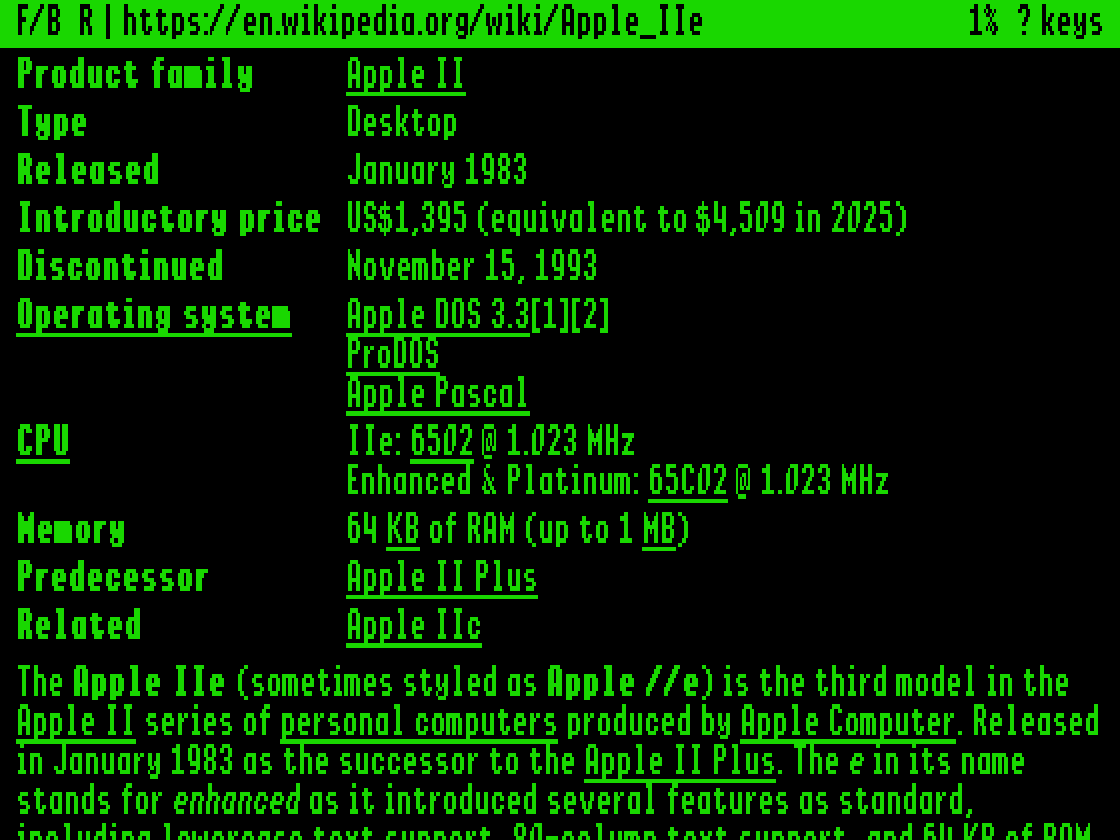
The IIe program draws the same pages in double hi-res on a 128K Apple IIe. It is keyboard only. W switches between wide text for a color monitor and small text for a monochrome one, M switches color and black and white, and ? lists the keys. The top line shows the page's address. It has run on a real IIe with a composite monitor, and it runs on a IIGS as well.
Three disks are in the CoGS card's catalog under Browse Disks, and the same files are here. CoGS Web Boot Disk starts a IIGS into the browser with no Finder. CoGS Web is an 800K disk with the program and a Read.Me, to mount beside your own boot disk. CoGS Web IIe is a 140K ProDOS disk that boots a IIe into the browser. The CoGS boot disk and the Communications collection on this site carry CoGS.Web as well. Overview, pictures and the user guide are at a2cogs.com/cogsweb.
Downloads
- CoGSWeb.2mg (800K ProDOS volume with CoGS.Web and a Read.Me; mount it beside a GS/OS boot disk)
- CoGSWeb-Boot.2mg (32 MB System 6.0.4 volume that boots into the browser)
- CoGSWeb-IIe.po (140K ProDOS disk for a 128K Apple IIe, boots into the browser)
- Overview and pictures at a2cogs.com ↗
- User guide ↗
- Card firmware 1.50 notes ↗
Screenshots